
1
Install CLI dependencies
Go to the directory and install dependencies
2
Setup CLI environment variables
Provide all necessary CLI env variables in the .env file
CLI env variables
3
Start CLI
Start the CLI with provided environment variablesRight after this the latest SDK version will be build and you can start using it via CLI
4
Start testing
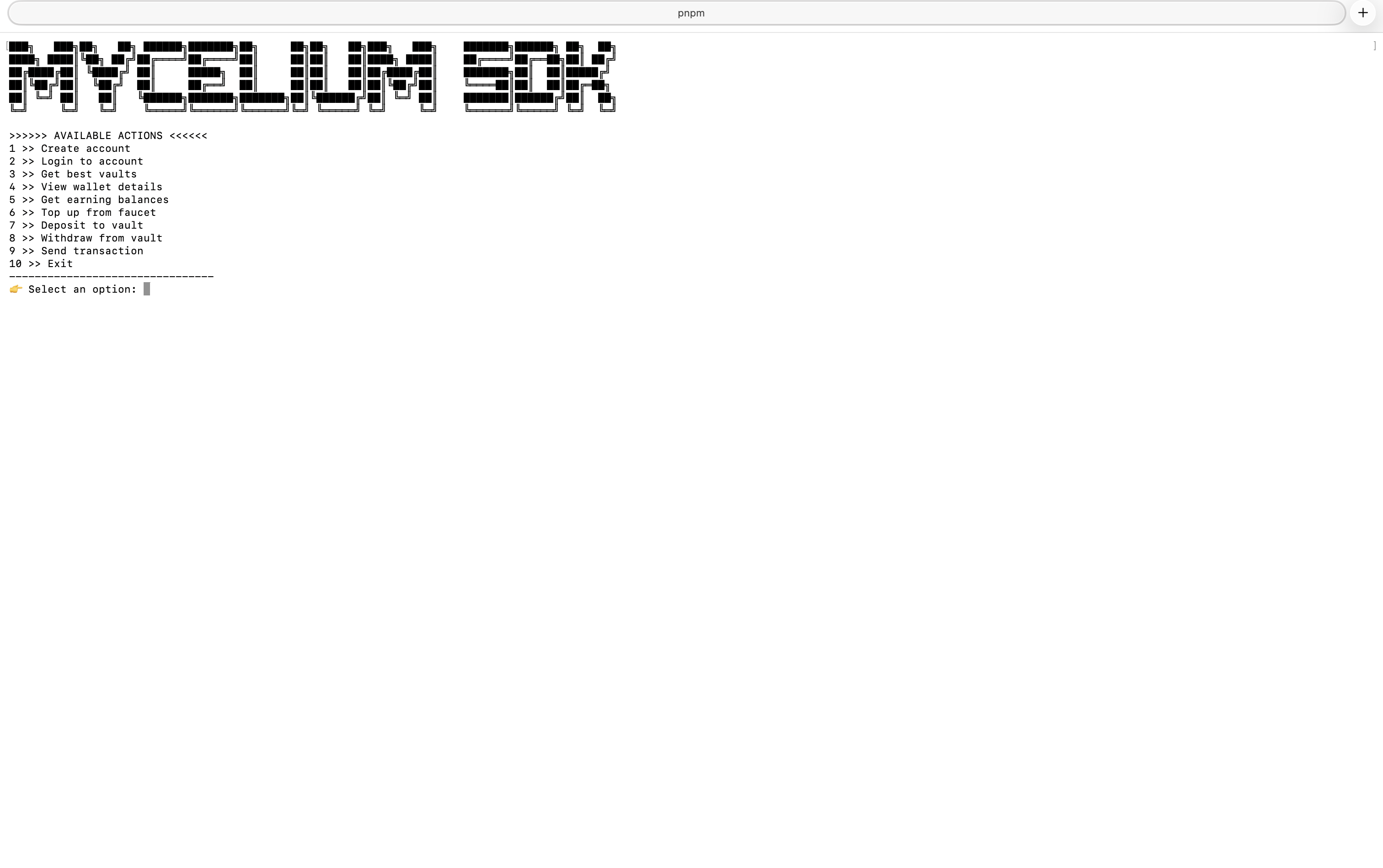
Right after you start the CLI you will see all available commands that you can execute via CLI